A little imagination.
A whole new world.
Create images, video and voice. Bring your ideas to life.
Use them in your browser. Or make them your own in ComfyUI.
What do you want to create?




Built on workflows.
Made for you.
We build and optimize the workflows. You direct the result.
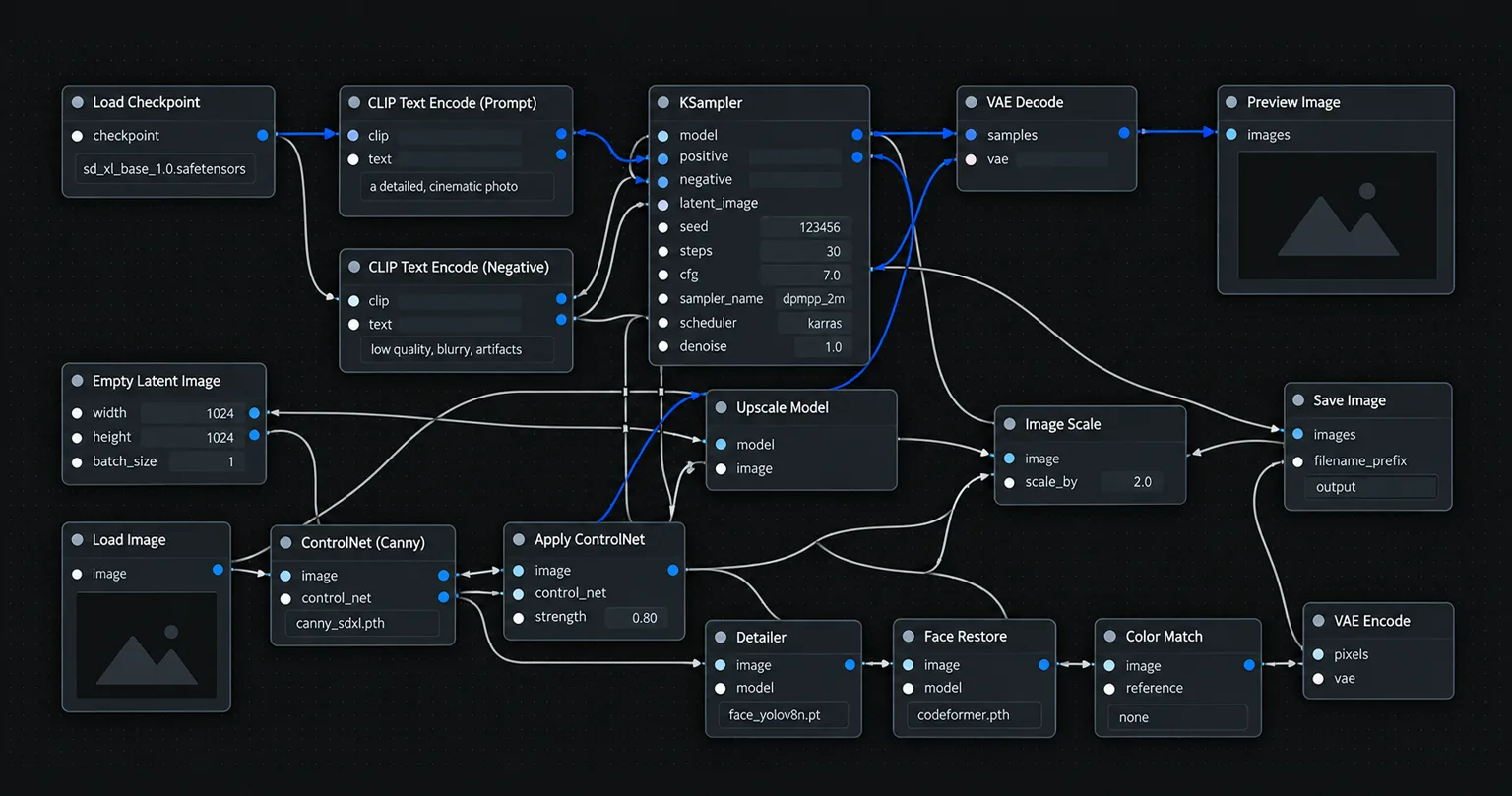
In your hands

 Glass-wrapped portrait. Cool studio light.
Your idea.
A simpler way to make it.
Create in Studio without setting up ComfyUI, installing nodes or managing a GPU.
Add a reference
Describe your idea
Generate and refine
Your next idea.
Your direction.



How it works
Bring your ideas to life
in three simple steps.
Create images, video and voice with a workflow that keeps the focus on your idea.
Choose your tool.
An image, a video or a voice. Start with the result you need.
Put it into words.
A subject, a setting, a feeling.
Give your idea a starting point.Make it yours.
Create, explore variations, and keep the version you love.
Built to create. Ready to make it happen.


/ Course / Creator pack
SEEDRAAI DOMINION
28 parts on launching and running an AI creator.
$99Explore this pack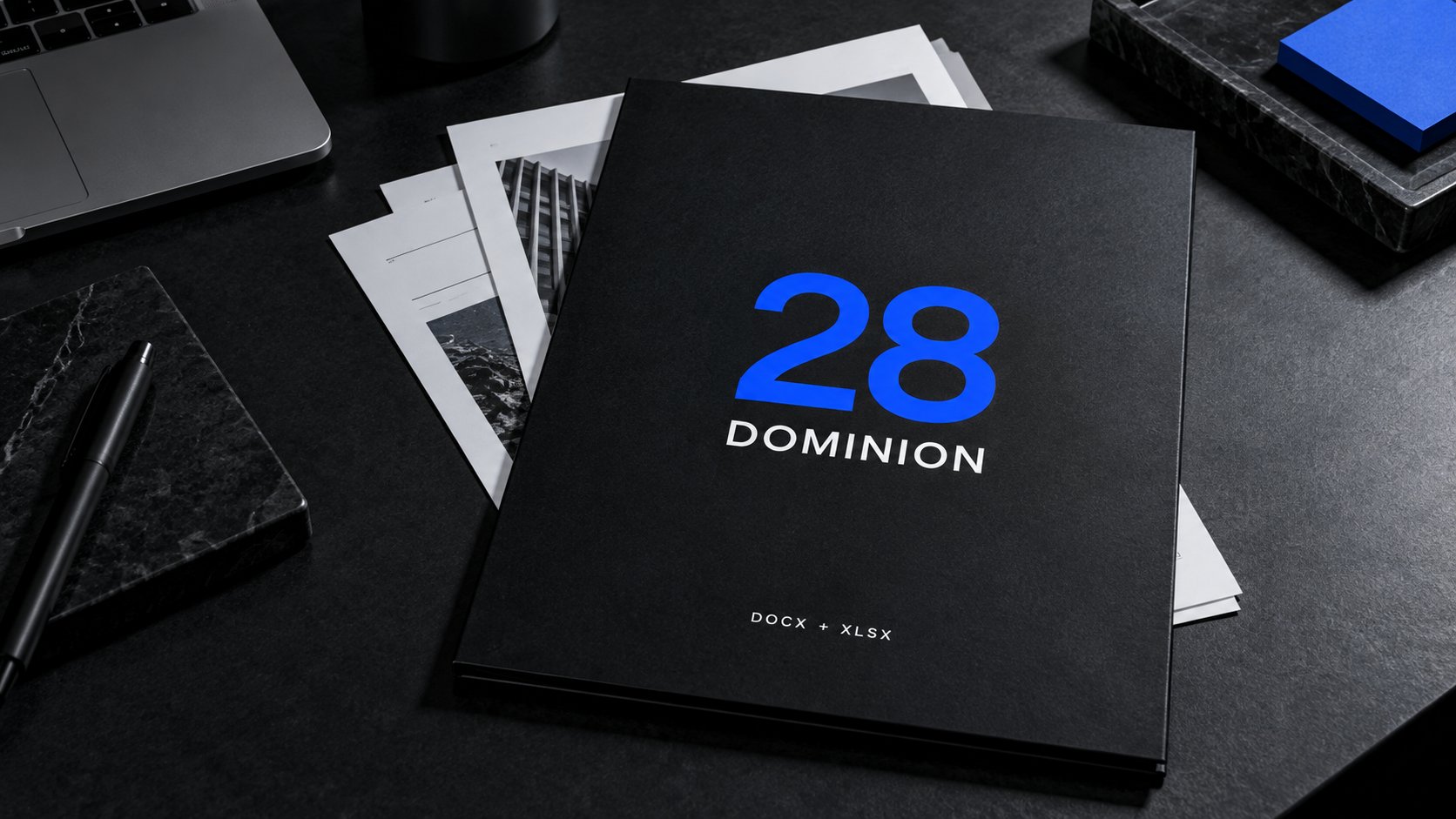
Your idea.
Your own LoRA.
For your character, product or style.
A private model trained from your references. Tested and delivered with launch notes.



One style.
Different moments.
These three images use our SEEDRA 2010 style LoRA.
Order your LoRA$200 · 4 days after payment & reference approval · 1 refinement round.
View termsGood questions.
Clear answers.
What is SEEDRAAI?
A creative studio for images, characters, video and voice, with downloadable workflows for ComfyUI.
Do I need to know ComfyUI?
No ComfyUI setup is needed to use the Studio interface. Downloadable workflow packs are for working directly in ComfyUI and include a setup guide.
How do credits work?
Paid generation is not active in the current test, and no generation credits are charged. Credit pricing and usage rules will be published before paid generation launches.
Which AI models do you use?
Model choices depend on the tool or workflow. Check the selected workflow’s model and dependency requirements; live Studio generation providers are not connected yet.
Can I use generations commercially?
Commercial use depends on the underlying model licenses and the rights to your references. A workflow purchase does not include a commercial license to every dependency.
What is a workflow pack?
A set of reusable ComfyUI workflow files with setup guidance. Each product lists its contents, compatible models and hardware requirements.
Studio or workflow pack — which should I choose?
Choose Studio for the browser interface. Choose a workflow pack to run and customize the process in ComfyUI on your own computer or a rented GPU.
Do I need my own GPU?
Studio uses a browser interface. For downloaded workflows, use your own or a rented GPU and check the requirements of the individual workflow.
What happens if a generation fails?
Live generation is not connected during the test, so no generation credits are charged. If you encounter an error, contact Support with the request details.
Are my uploads and generations private?
Signed-in uploads and drafts sync to your private account. Administrators can access submitted briefs for review and support. Generation-provider data terms will be disclosed before live generation starts.